
Charts and Technical Indicators
Use MT5 charting tools and technical indicators to analyze price activity and configure your trading workspace.
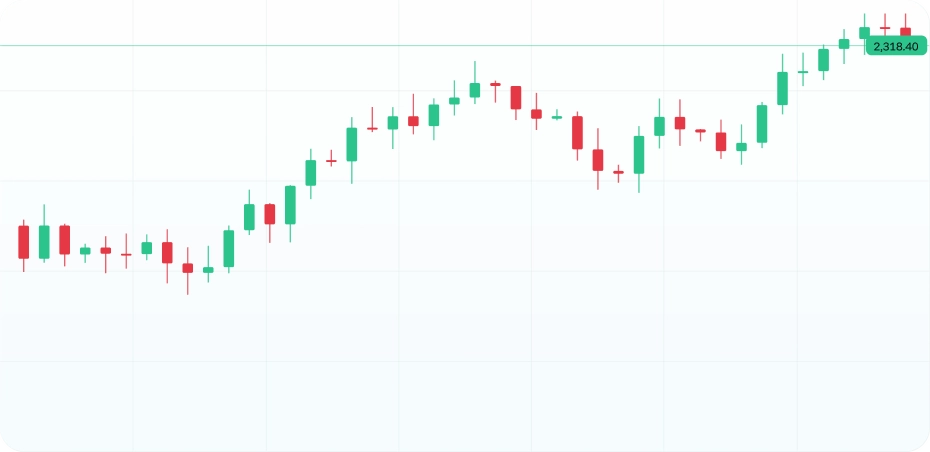
Access G2G’s available markets through MetaTrader 5 across supported desktop, web, and mobile environments.
Analyze markets, manage orders and positions, and use MT5’s trading and analytical tools through your G2G account.

ACCESS METATRADER 5
Access your G2G trading account through the MT5 environment that suits your setup.
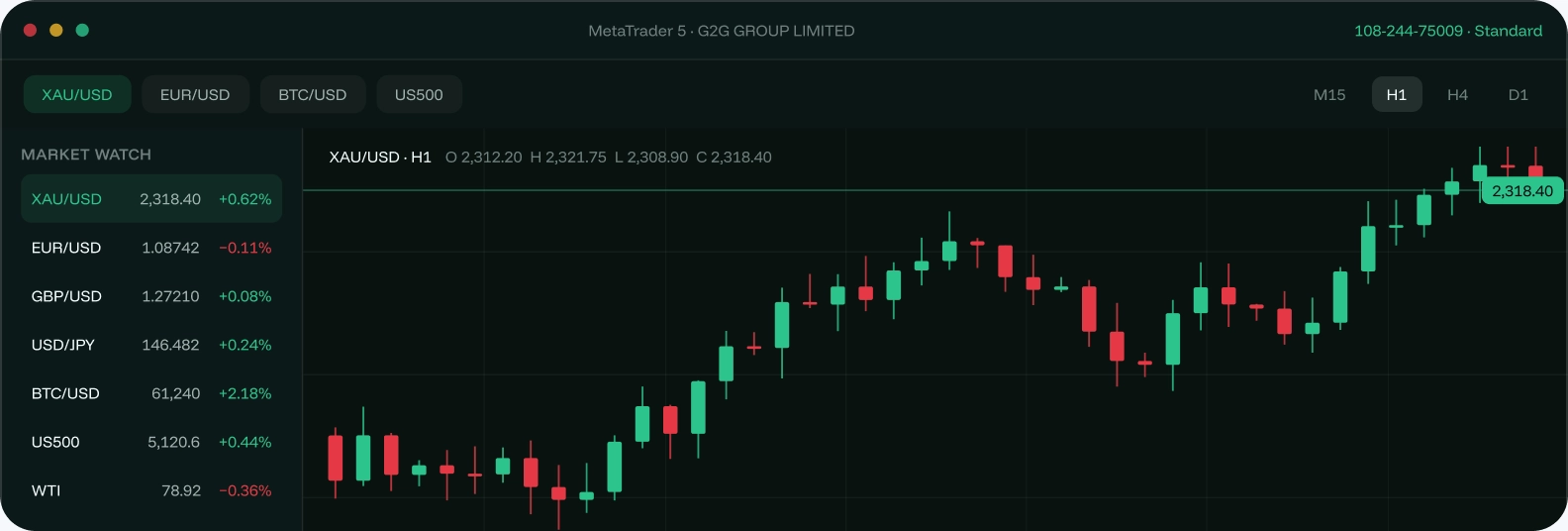
MetaTrader 5 · full terminal with charts, order ticket and depth of market
MetaTrader 5 · the same terminal, native on Mac

MetaTrader 5 mobile · quotes, charts and order management on the move
MetaTrader 5 mobile · quotes, charts and order management on the move
MetaTrader 5 via AppGallery · supported HarmonyOS devices
MT5 TRADING TOOLS
MetaTrader 5 brings market analysis, order management, position monitoring, and trading controls into one environment.
Use MT5 charting tools and technical indicators to analyze price activity and configure your trading workspace.
Place and manage orders, monitor positions and margin, and use supported stop-loss, take-profit, and trailing-stop controls.
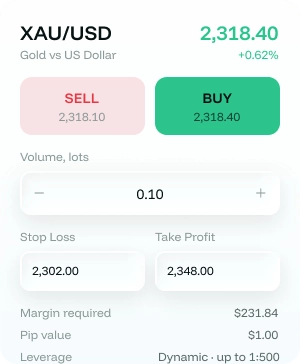
Follow scheduled economic events using MT5's integrated economic calendar.
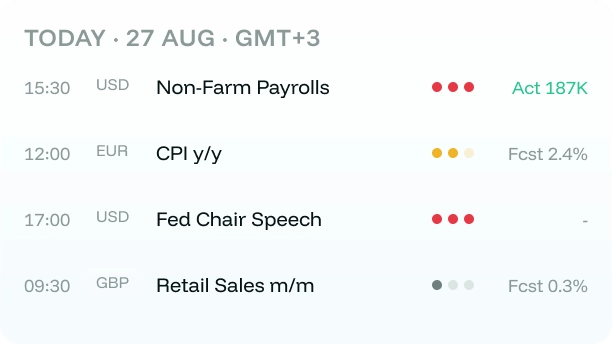
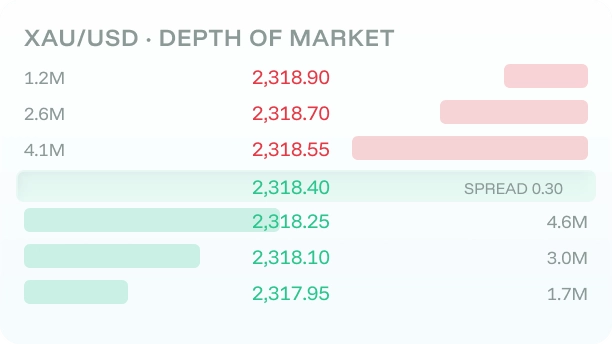
View Depth of Market information where available for the relevant instrument and trading environment.
MARKETS
Use MetaTrader 5 to access the instruments available through your G2G trading account. Review each market for its current instrument offering and applicable trading specifications.

Access available major and cross currency pairs through G2G.
Explore Market: Forex
Access available precious metals and energy instruments.
Explore Market: Metals & Energies
Access available US and European index instruments.
Explore Market: Indices
Access available cryptocurrency instruments against the US Dollar.
Explore Market: CryptocurrencyAUTOMATED TRADING
MetaTrader 5 supports Expert Advisors, custom indicators, scripts, and strategy testing. Automated trading through G2G is subject to the Trading Agreement and applicable trading restrictions.
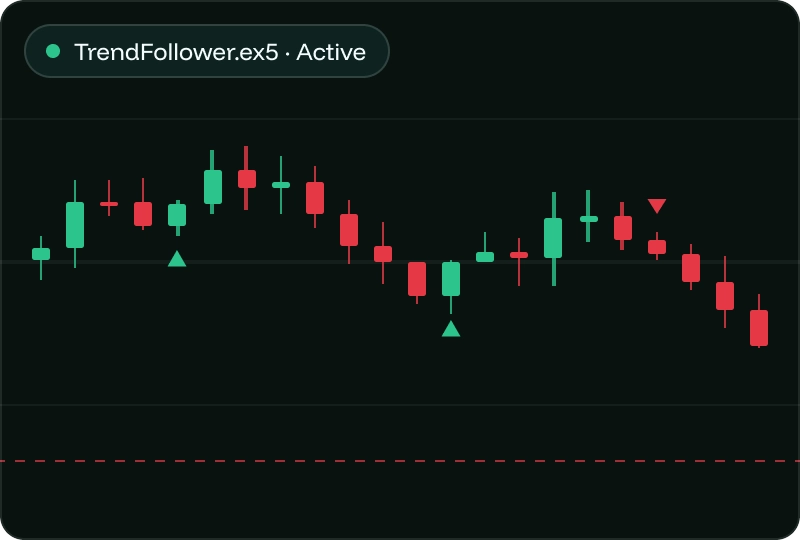
MetaTrader 5 supports compatible Expert Advisors for automated trading. Their use through G2G is subject to the Trading Agreement and applicable trading restrictions.
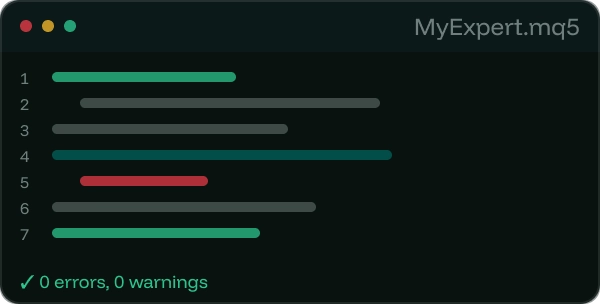
Create and edit Expert Advisors, scripts, and custom indicators using MetaEditor.
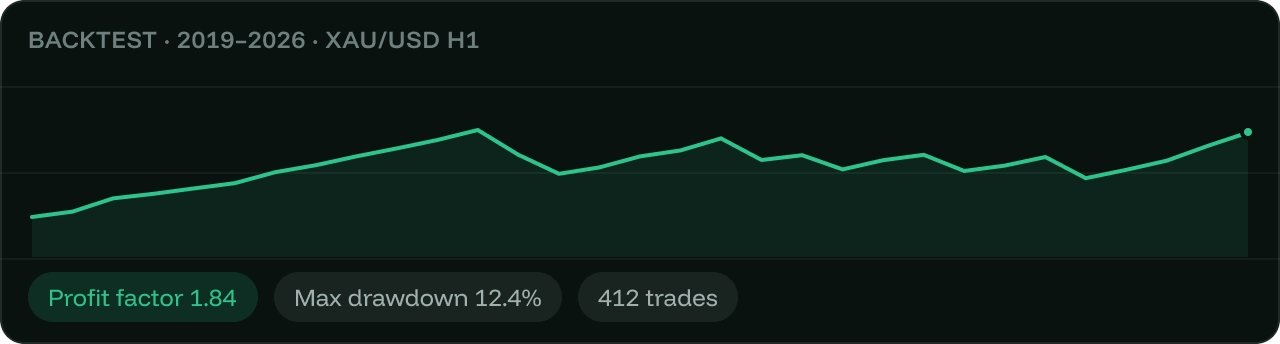
Test compatible automated strategies using historical data with MT5’s strategy-testing tools.

G2G currently provides MT5 access across Windows, macOS, iPhone and iPad, Android, Huawei, and web environments. Choose the version appropriate for your supported device.
Yes. In addition to the desktop terminal, MetaTrader 5 is available through web and mobile environments, including iPhone and iPad, Android and Huawei devices.
MetaTrader 5 supports Expert Advisors, custom indicators, scripts, and strategy testing. Automated trading through G2G is subject to the Trading Agreement and applicable trading restrictions.
Yes. MetaTrader 5 mobile for iPhone and iPad, Android and Huawei devices provides quotes, charts and order management on the move.
Use MetaTrader 5 to access the instruments available through your G2G trading account. Review each market for its current instrument offering and applicable trading specifications.
Open your G2G account and choose the MT5 environment appropriate for your device. Once your account is ready, use your G2G trading credentials to connect to MT5 and access the instruments available to your account.
Clear trading conditions · MetaTrader 5 · WhatsApp support